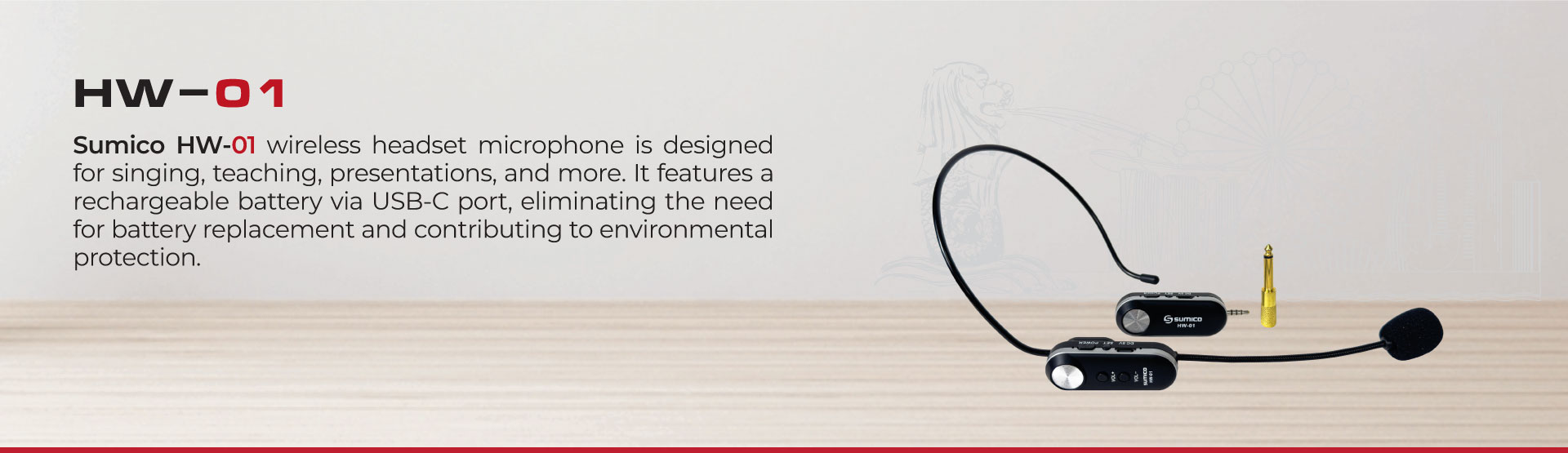
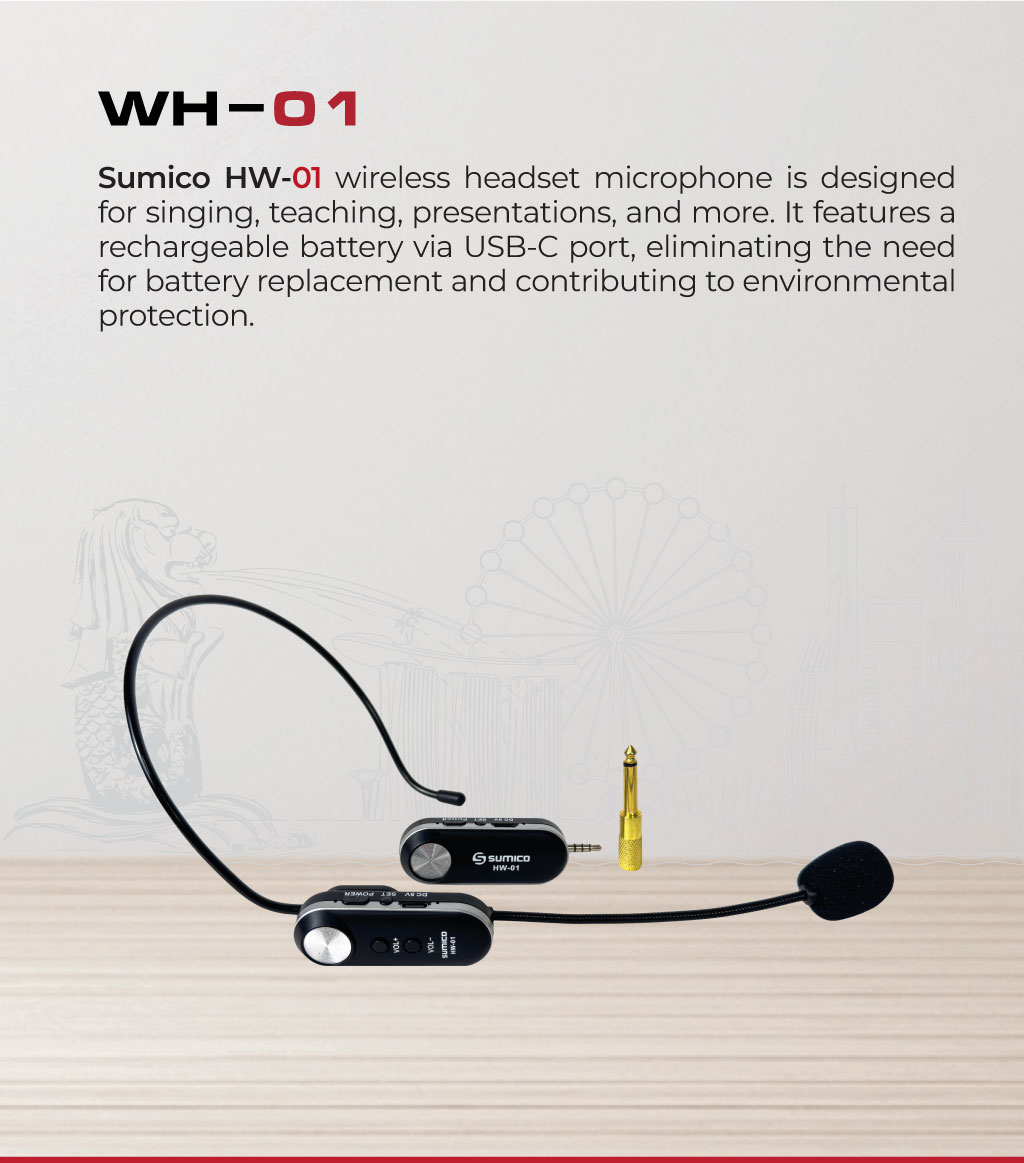
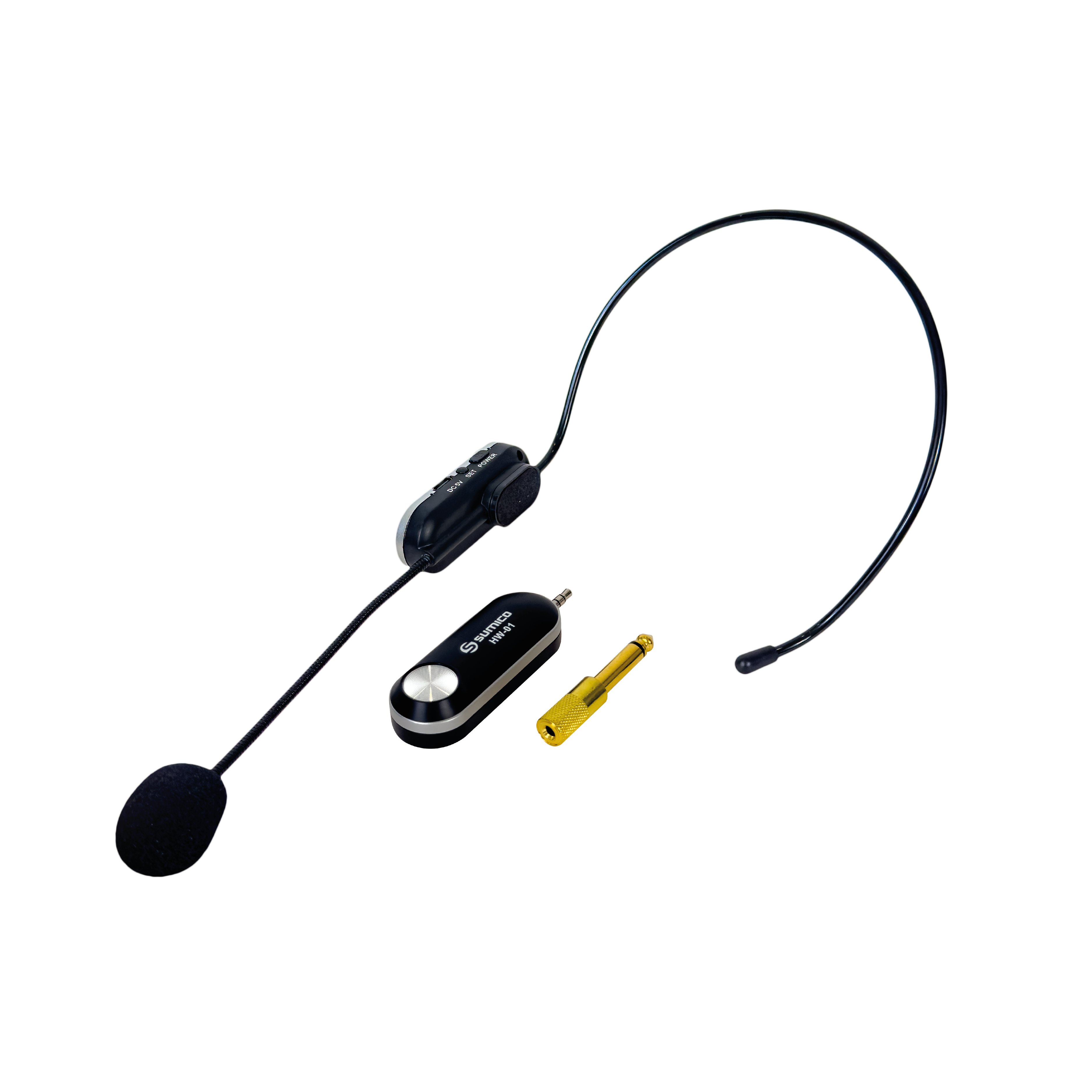
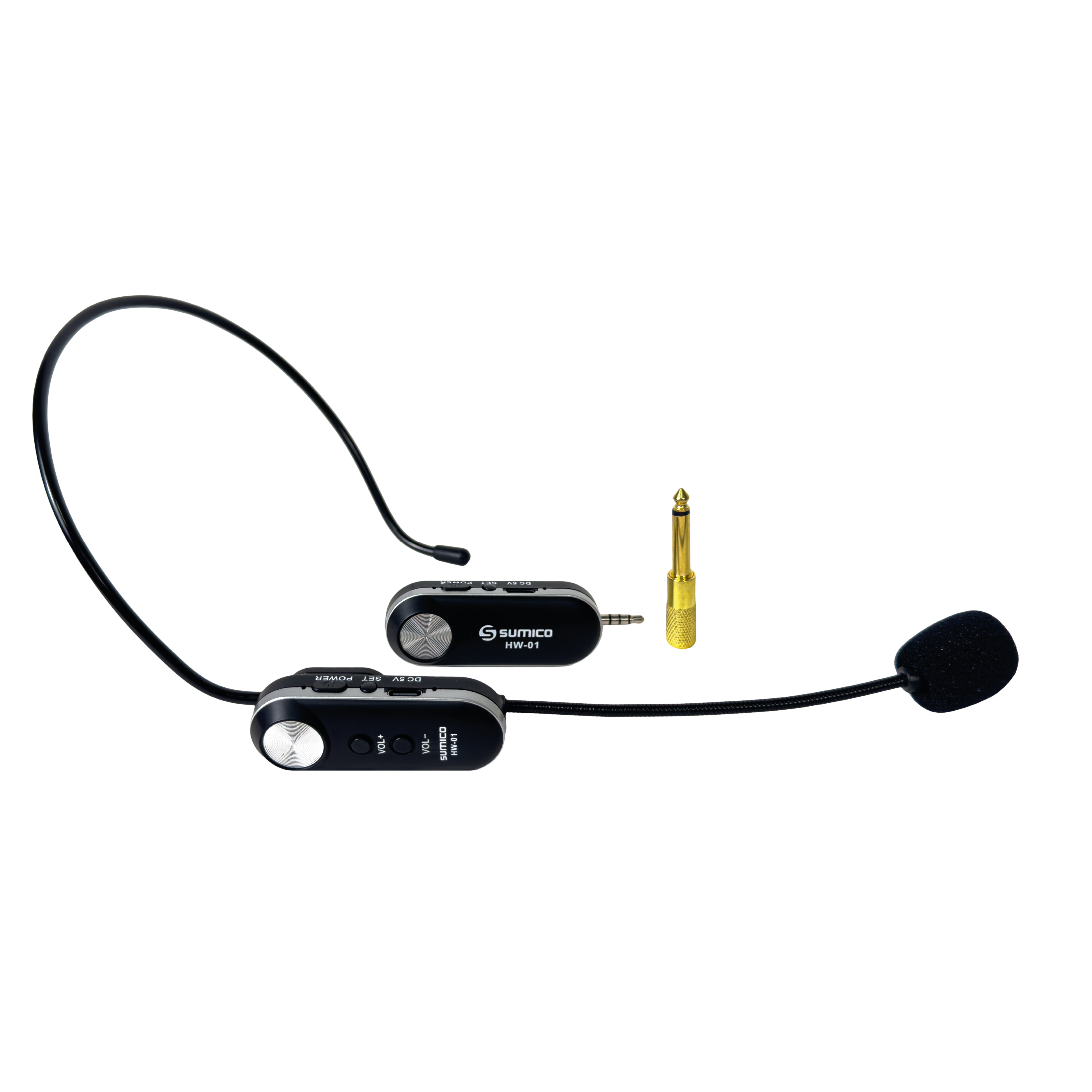
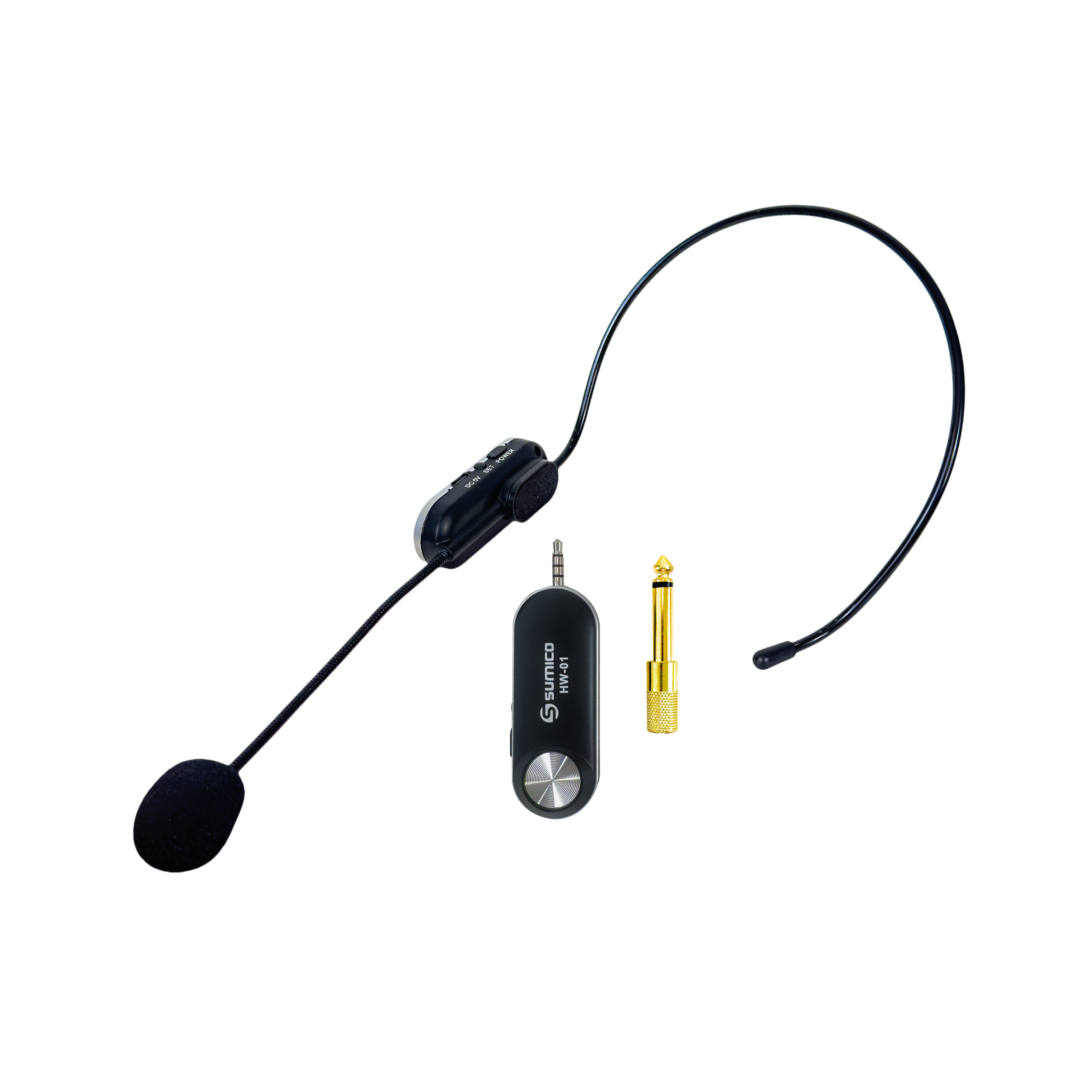
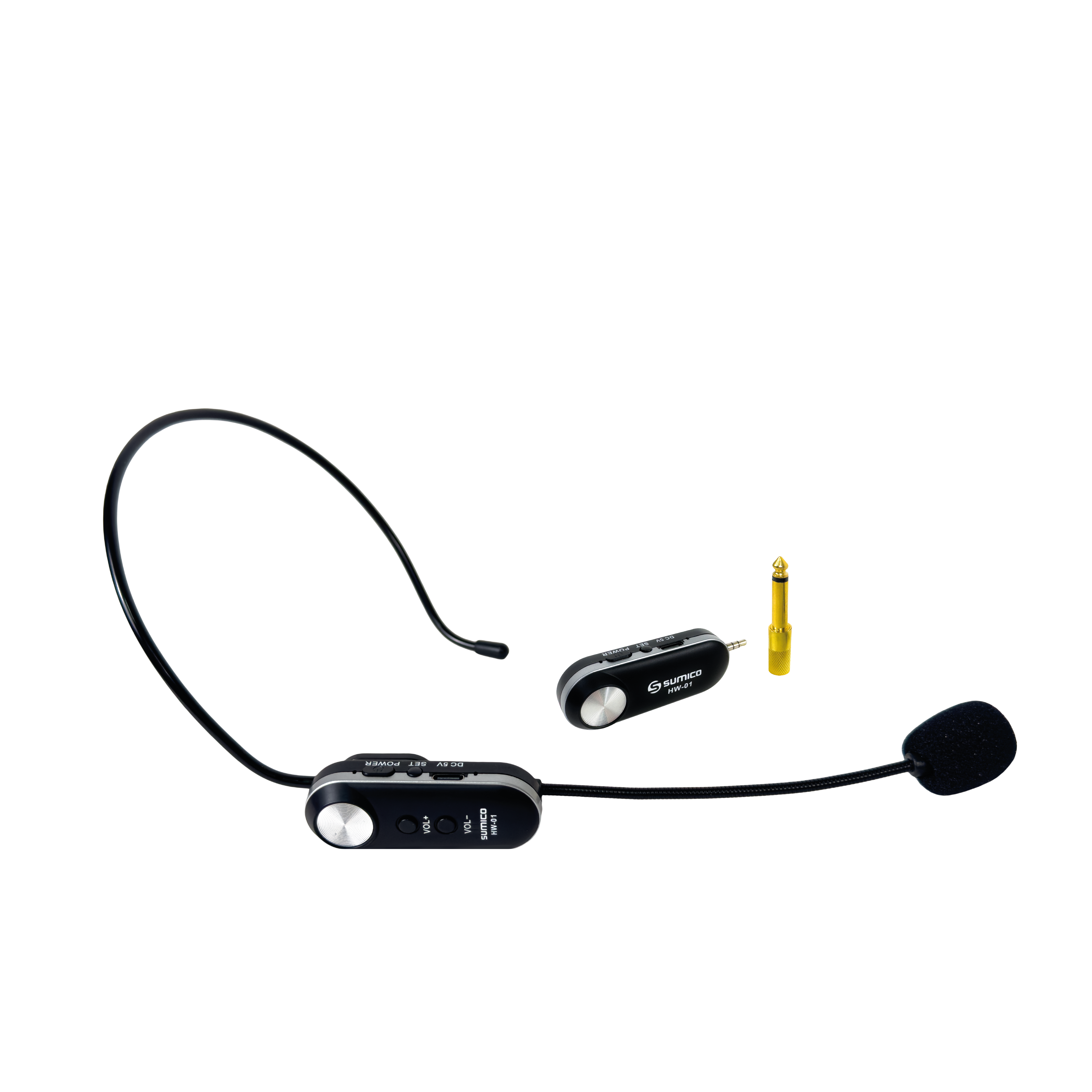
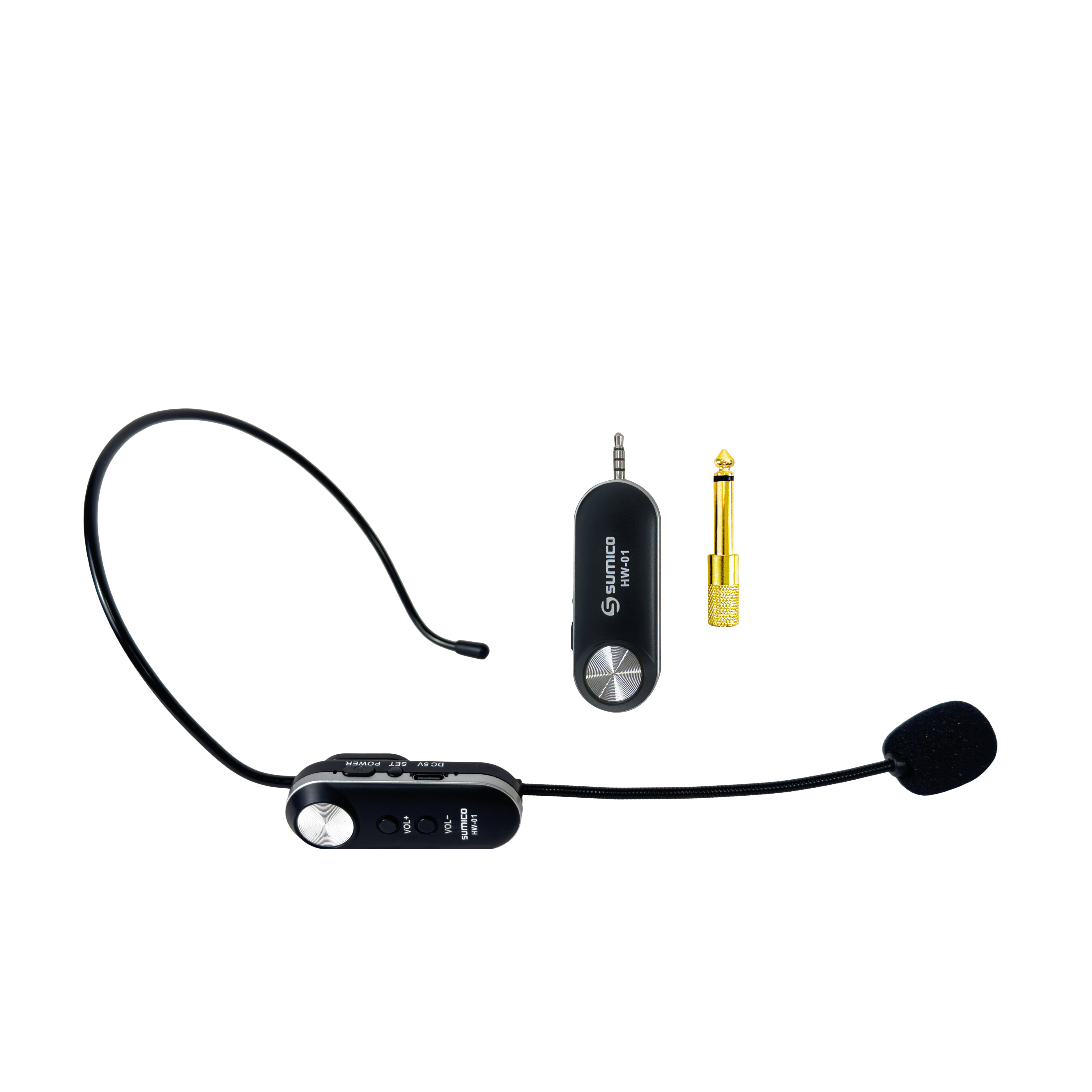
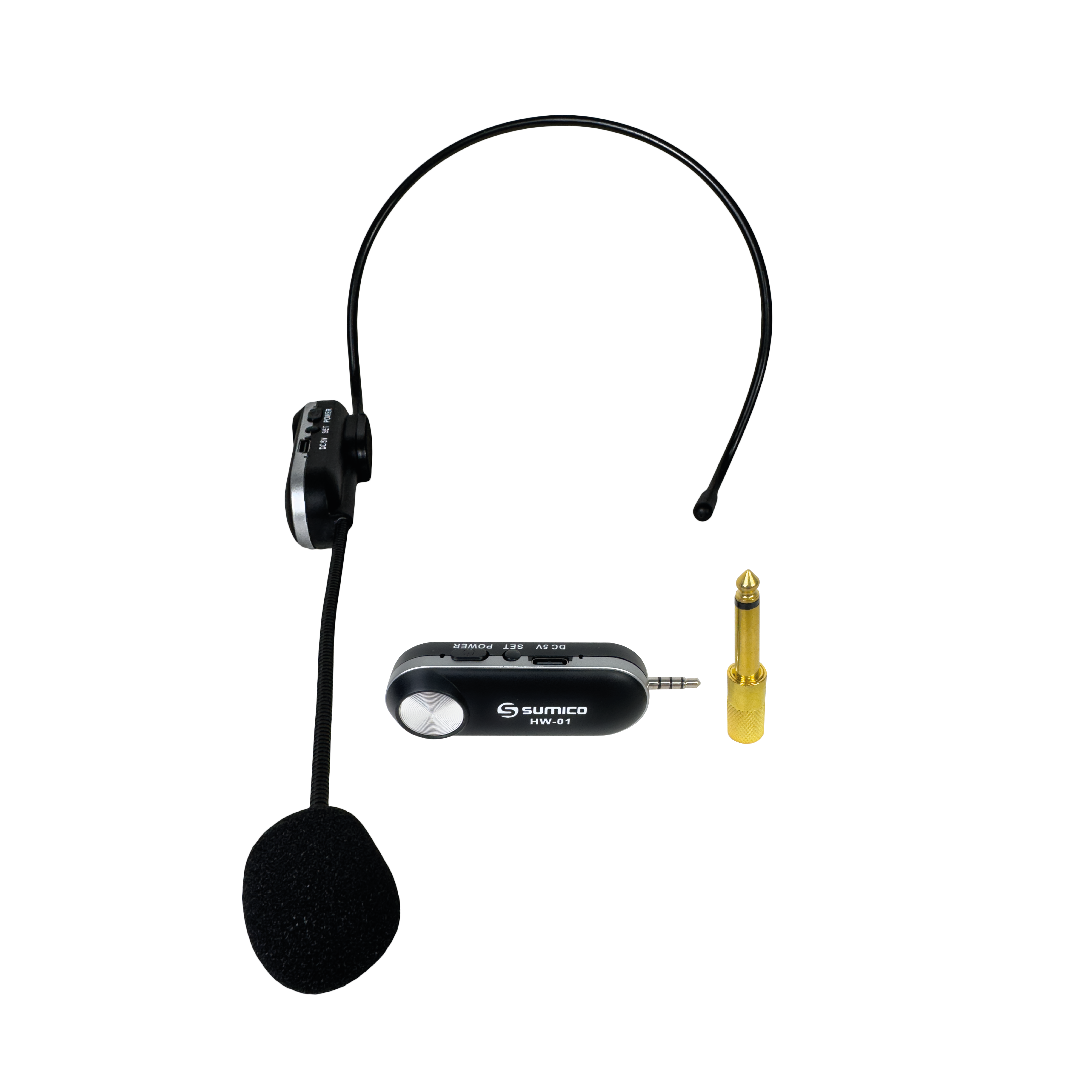
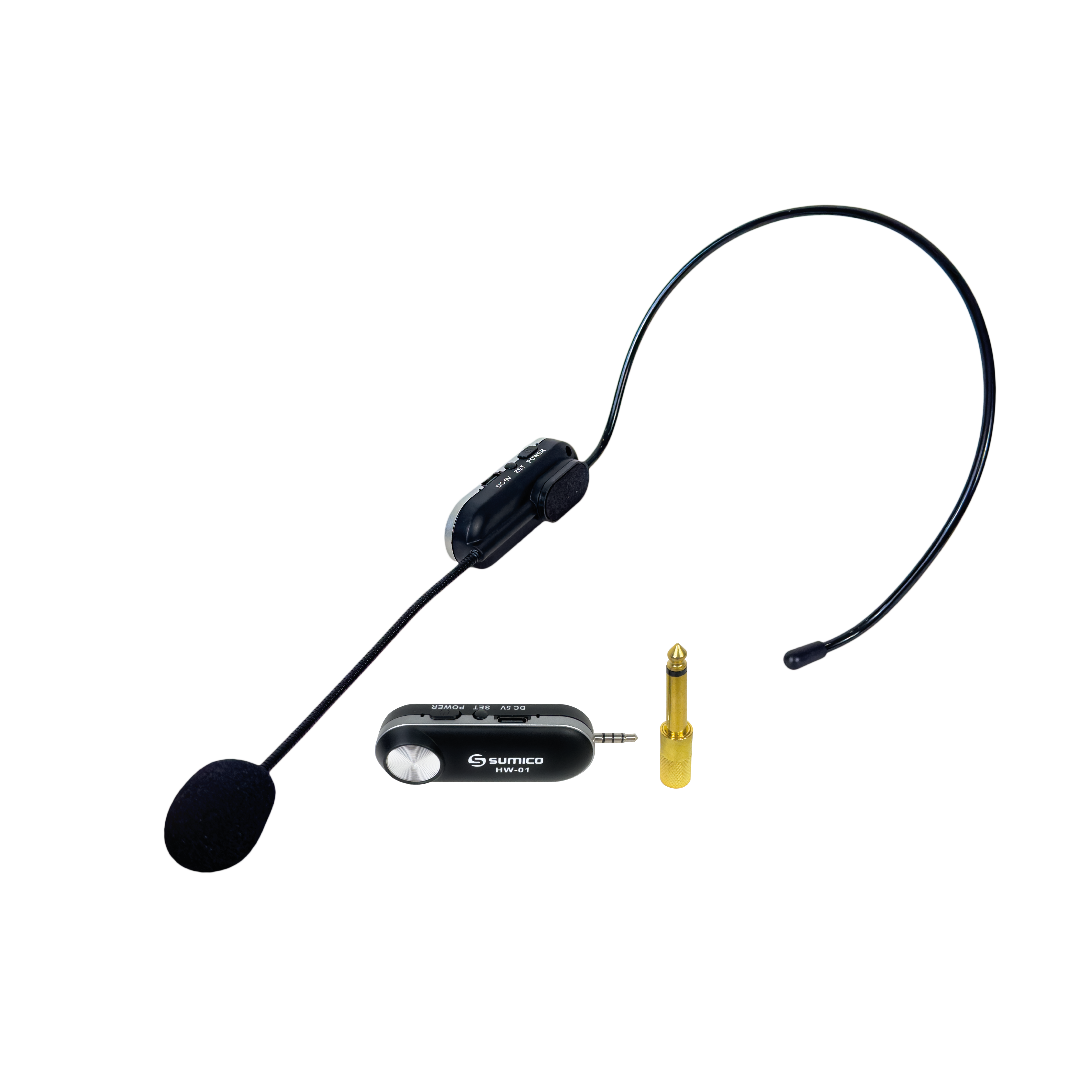
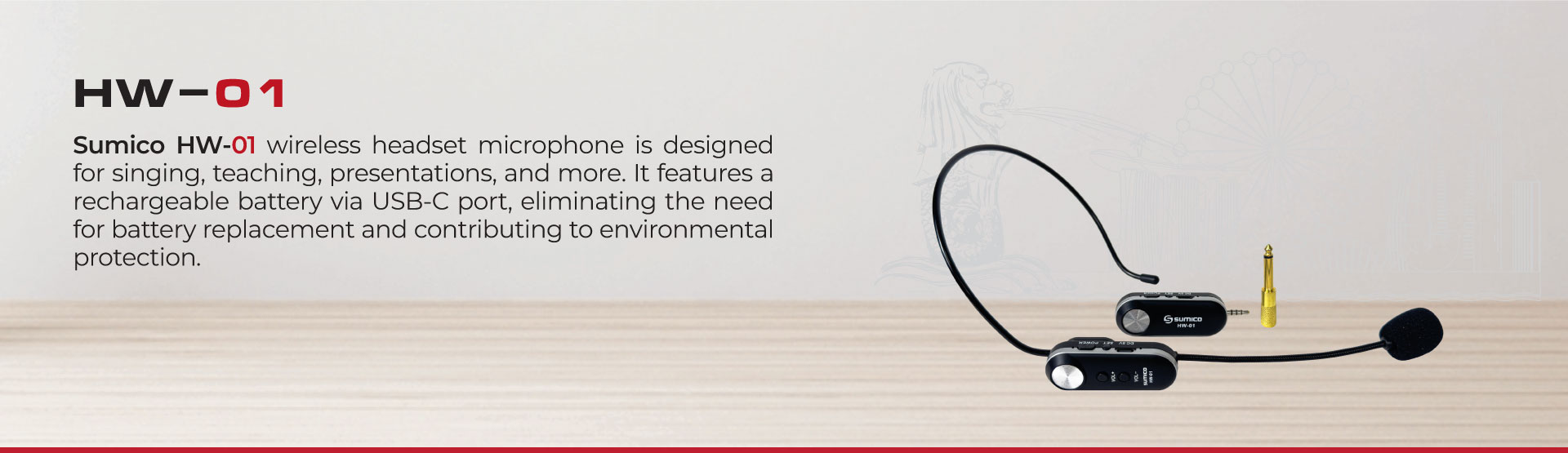
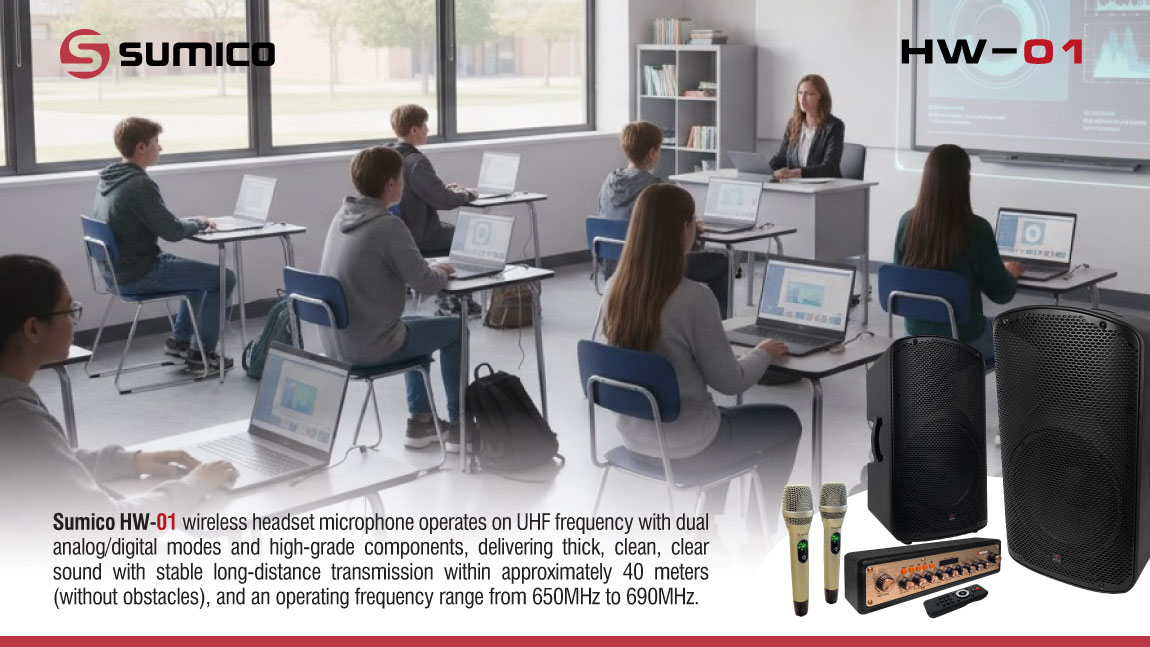
The Sumico HW-01 wireless headset microphone operates on UHF frequency with dual analog/digital modes and high-grade components, delivering thick, clean, clear sound with stable long-distance transmission within approximately 40 meters (without obstacles), and an operating frequency range from 650MHz to 690MHz.
The automatic frequency scanning and synchronization pairing function enables quick setup and simple operation.
A convenient – flexible – user-friendly wireless headset microphone solution for various applications such as podcasting, conferences, presentations, singing, recording, and events, etc.
Superior audio performance
Stable wireless transmission
Wide compatibility
Easy setup and operation
Multiple selectable frequencies
-----
User Guide
Power On
+ Microphone (Transmitter – Signal Transmission): Press the center power button briefly.
+ Receiver (Receiver – Signal Reception): Press the power button to turn on.
Power Off
Press and hold the power button on both the microphone and receiver for 3 seconds.
Change Frequency
The product is factory pre-synchronized, so simply power it on for immediate use.
If multiple microphone sets are operating simultaneously and frequency interference occurs, press the power button on the microphone to switch to another frequency.
Frequency Synchronization Pairing
When replacing the microphone or receiver, frequency synchronization pairing must be performed as follows:
On the Microphone:
When the microphone is powered off, press and hold the power button for 5 seconds
-> When the power indicator flashes once, release the button and press the power button briefly once
-> The power indicator will flash continuously, indicating the microphone has entered pairing mode.
On the Receiver:
After setting the microphone to pairing mode, power on the receiver.
-> Wait approximately 2 seconds -> Press the power button on the microphone to complete pairing.
-> Test by speaking into the microphone.
If synchronization pairing is successful, the red indicator will flash.
Exit Frequency Synchronization Pairing Mode
Press the power button briefly on the microphone to lock the frequency and complete the synchronization pairing process between the microphone and receiver.